
Speak. Read it as text.
Speech becomes text right on your iPhone, no internet needed.

10 minutes a day for free. Pro by subscription, with a free trial.

Text while you speak
The words show up on the screen as you talk.

No internet needed
Speech is recognized on the iPhone, and the sound is never kept or sent.

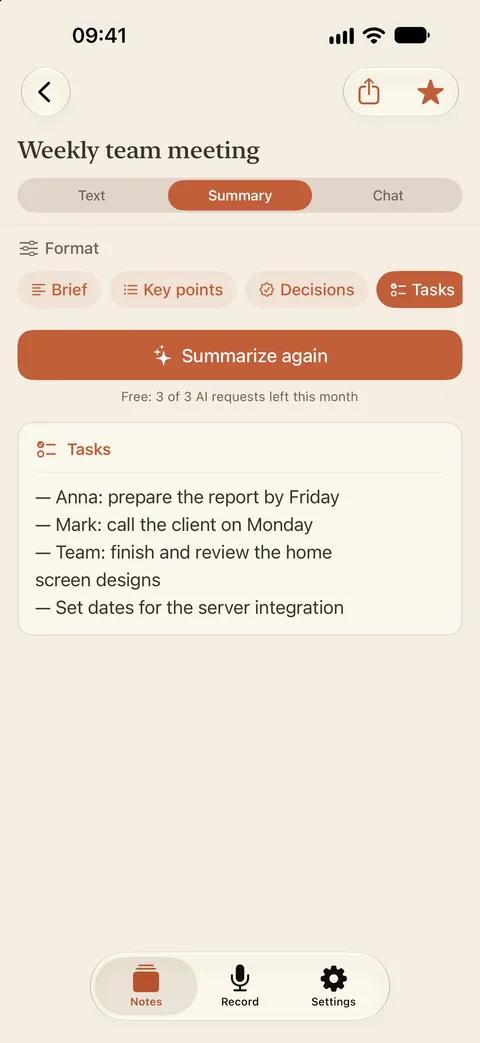
A summary in one tap
Brief, key points, decisions or tasks.

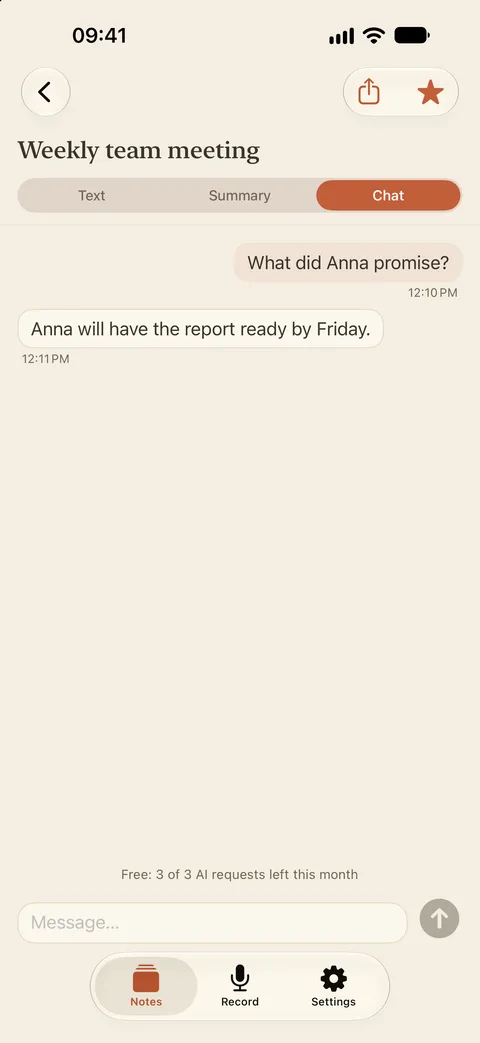
Ask the note
Chat with the text of a recording.

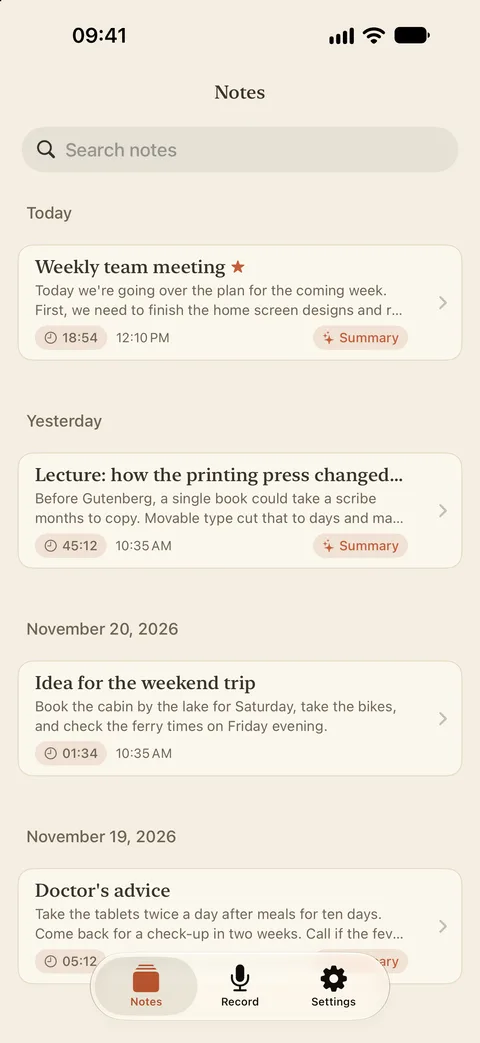
Every note in one list
Search, favorites, and the text is yours to edit.
Good to know
Which languages does it understand?
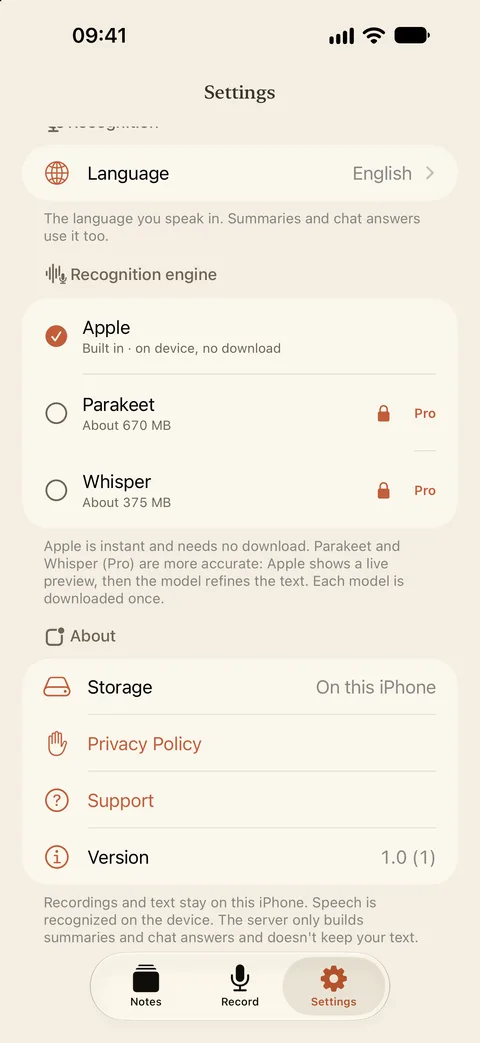
Thirteen: English, German, French, Spanish, Italian, Portuguese, Russian, Dutch, Polish, Japanese, Korean, Chinese and Turkish. You pick the language you speak in Settings.
Does it keep the recording itself?
No. VoiceNote keeps the text. The sound is turned into text while you speak and is not saved, so there is nothing to play back later.
Does it really work without internet?
Yes. Speech is recognized on the iPhone, so recording works in airplane mode. Summaries and chat are the only parts that need internet.
What do summaries and chat send?
Only the text of that note, and only after you tap the button and agree. The sound never leaves the iPhone. The “Local only” switch in Settings turns these requests off completely. Details are in the Privacy Policy.
What is free and what is Pro?
Free: 10 minutes of recording a day and 3 AI requests a month (a summary or a chat question). Pro is a subscription with a free trial: recording without a limit, two more accurate recognition models that also run on the iPhone, summaries and chat without a limit, and sharing the text.
What do I need?
An iPhone with iOS 26 or later. No account.